



Coding has changed in a quiet way. It is not just about writing lines of code and looking for bugs at midnight anymore. Coding feels more like talking these days. You say what you want, and the tools respond with speed, structure, and clarity. Many developers now call this change vibe coding. It is coding that comes easily and makes things work better.
After working with teams building everything from SaaS dashboards to AI driven apps, I have seen how the right AI coding tools can make a big difference in productivity. These are the five tools that truly change how developers think and work. They are not flashy demos. They are tools used every day on real projects.
What Makes a Tool a Real AI Vibe Coding Tool
Before jumping into the list, it helps to define what vibe coding really means.
Main Features of Vibe Coding Tools
They understand context
The best AI coding tools do more than fill in blanks. They understand files, functions, and developer intent.
They reduce mental load
Instead of forcing you to switch tabs to search documentation or fix small issues, these tools stay in flow with you.
They feel collaborative
Good AI code development tools feel like a calm senior developer sitting beside you, guiding without interrupting.
With that in mind, here are the tools that consistently deliver that experience.
1.Cursor AI
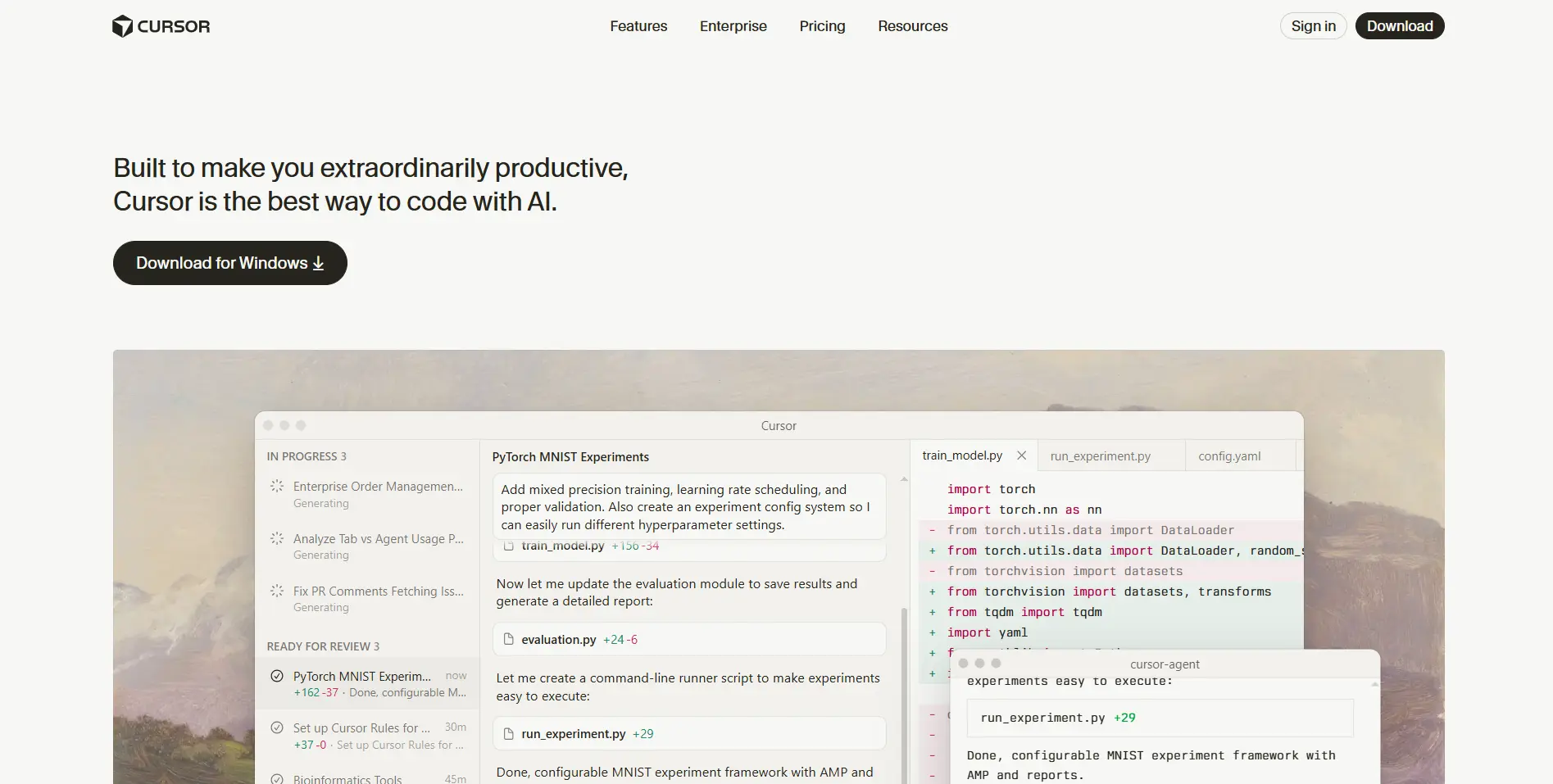
Cursor has quickly become a favorite among developers who want a deeper AI coding experience inside a real editor.
What Makes Cursor Different
Cursor feels like Visual Studio Code but smarter. You can use natural language to refactor entire files, explain unfamiliar code, or add new features.
Key strengths include
Context aware code generation
Inline explanations that actually make sense
Smooth workflows for large projects
Many developers search for how to use Cursor because once it clicks, coding speed increases fast. It is one of the best examples of modern AI code development done right.
[Insert Internal Link for AI Category]
2 . ChatGPT for Code
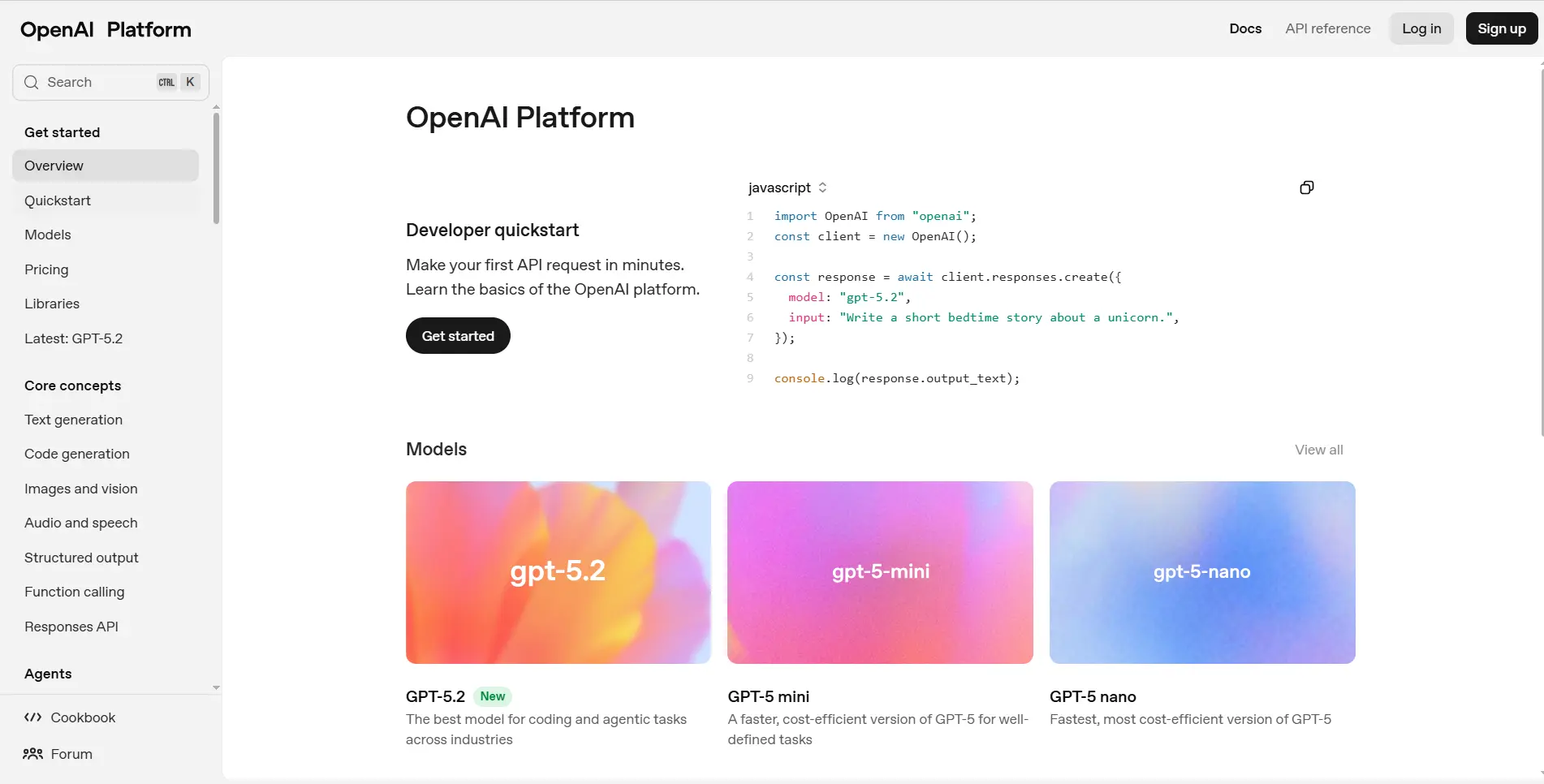
Many developers, including me, use ChatGPT for code every day. It works best when clarity, speed, and ideation matter.
What It Does Best
Explaining complex logic
Generating starter code
Debugging errors with context
This is not just for beginners. Senior engineers use ChatGPT developer workflows to validate logic and explore alternatives. Used well, it feels like a smart rubber duck that talks back with useful insights.
3. GitHub Copilot
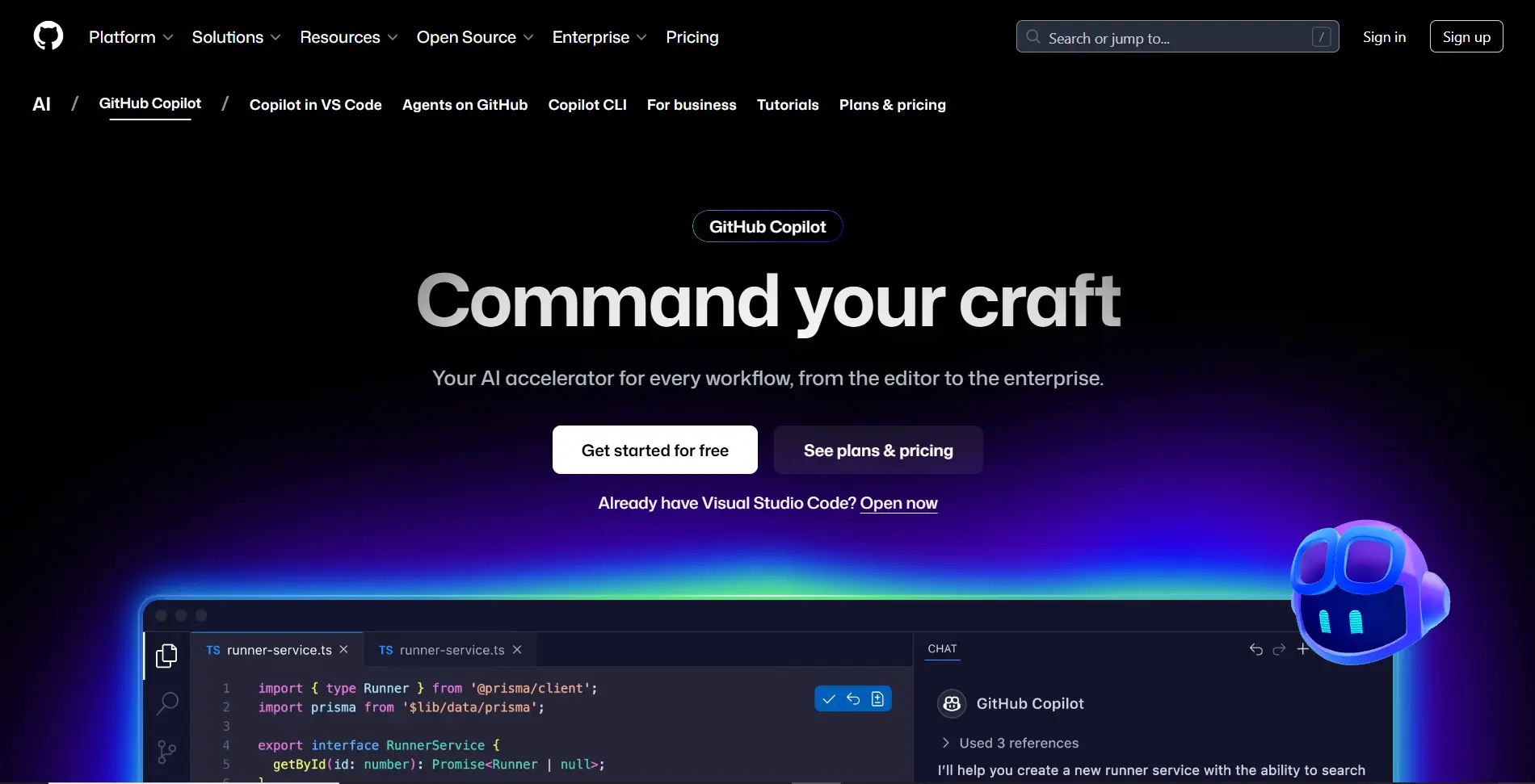
Long before vibe coding became common language, GitHub Copilot helped normalize AI coding.
Where Copilot Excels
Faster boilerplate creation
Strong language coverage
Tight IDE integration
Copilot focuses on speed rather than explanation. It keeps developers in flow and reduces repetitive typing. For many teams, it remains a core developer productivity tool.
4. Amazon CodeWhisperer
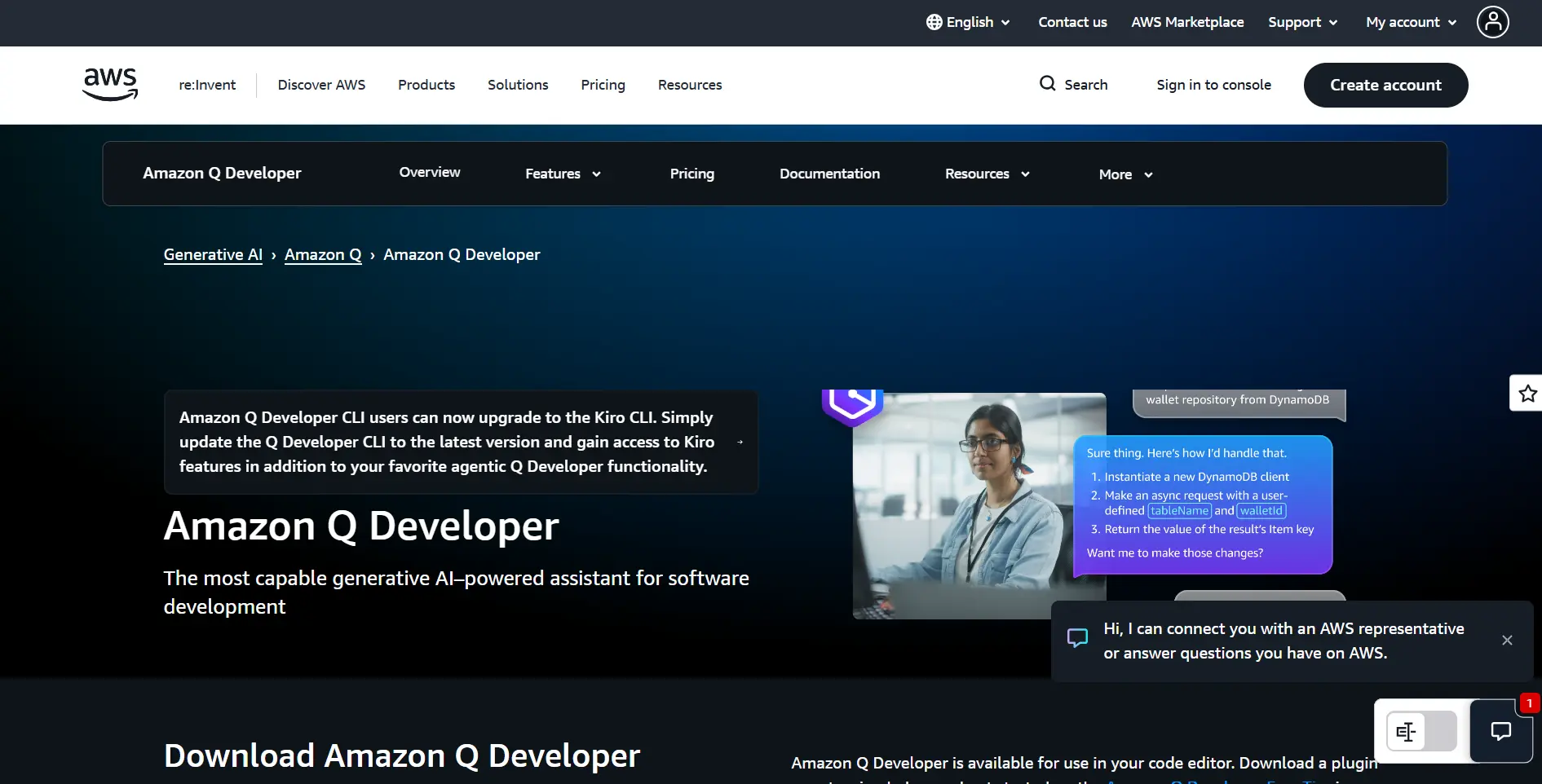
Amazon CodeWhisperer is often overlooked, but it delivers serious value for backend and cloud focused developers.
Real World Benefits
Deep AWS service integration
Secure coding pattern suggestions
Enterprise scale readiness
It also flags security issues early, making it a quiet but effective AI code checker that saves time and stress in production environments.
5. Tabnine
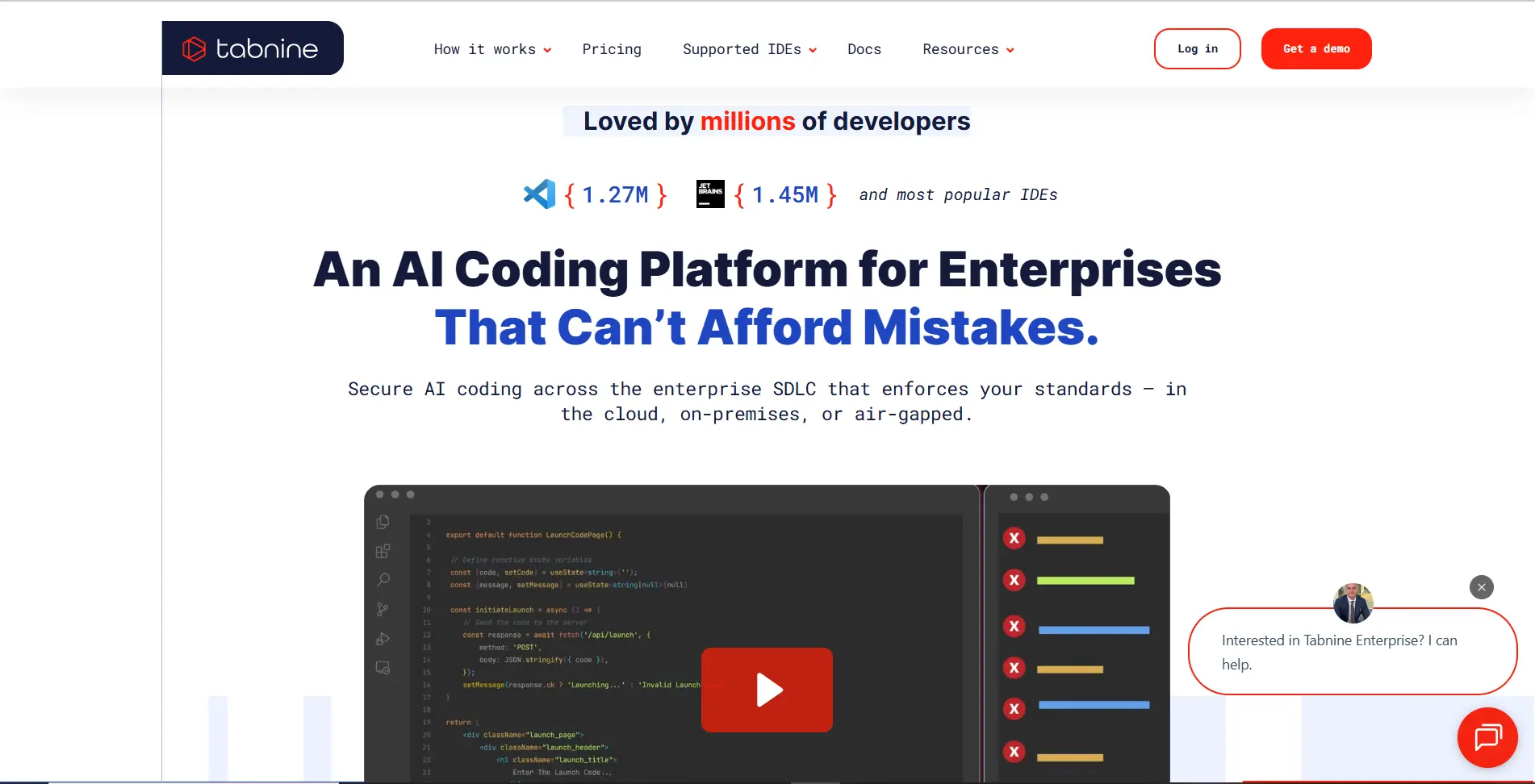
Tabnine appeals to teams with strict requirements thanks to its focus on privacy, speed, and flexibility.
Why Developers Choose Tabnine
On device or private model options
Consistent low latency suggestions
Broad language support
It may not feel conversational like ChatGPT, but it delivers reliable smart completions that fit perfectly into focused coding sessions.
How These Tools Truly Improve Developer Productivity
AI programming tools do not replace developers. They remove friction.
Real World Improvements Teams Notice
Faster feature delivery
Fewer context switches
Cleaner first drafts of code
Reduced burnout
AI coding tools handle repetitive tasks so developers can focus on logic, architecture, and creativity. That is why interest in the best AI coding tools continues to grow.
Choosing the Right AI Coding Tool
There is no single best tool for everyone.
Quick Selection Guide
Choose ChatGPT for code for explanation and ideation
Choose Cursor or Copilot for editor first intelligence
Choose CodeWhisperer for security focused development
Choose Tabnine for privacy driven teams
Many developers combine two or three tools to create a personalized AI coding stack.
Final Thoughts
AI vibe coding is not a trend. It is a natural evolution in how people work with software. These tools do more than speed up programming. They make it calmer, clearer, and more enjoyable.
Start small. Add one tool to your daily workflow and watch how quickly your relationship with code changes.
Frequently Asked Questions
What is AI vibe coding
AI vibe coding is a natural style of programming where AI tools assist without breaking focus.
Are AI coding tools safe for professional projects
Yes. Tools like CodeWhisperer and Tabnine include strong security features when used properly.
Are AI coding tools beginner friendly
Yes. They help beginners learn faster by explaining code and reducing confusion.
Do AI coding tools replace developers
No. They enhance human judgment and creativity.
What is the best AI coding tool for learning
ChatGPT for code and Cursor are excellent because they explain code clearly.
Can AI coding tools detect mistakes
Yes. Many function as an AI code checker, identifying bugs, logic flaws, and security risks.
